日本語版の SampleSwitch 公式ページ(買い切り 2,980円〜)をお探しですか? 日本語ページへ切替 ➔

Present Your Live Screen.
Keep Private Data Off-Camera.

$24 One-Time
✓$0 Monthly Fees (USD)
✓Up to 2 PCs (Chrome & Edge)
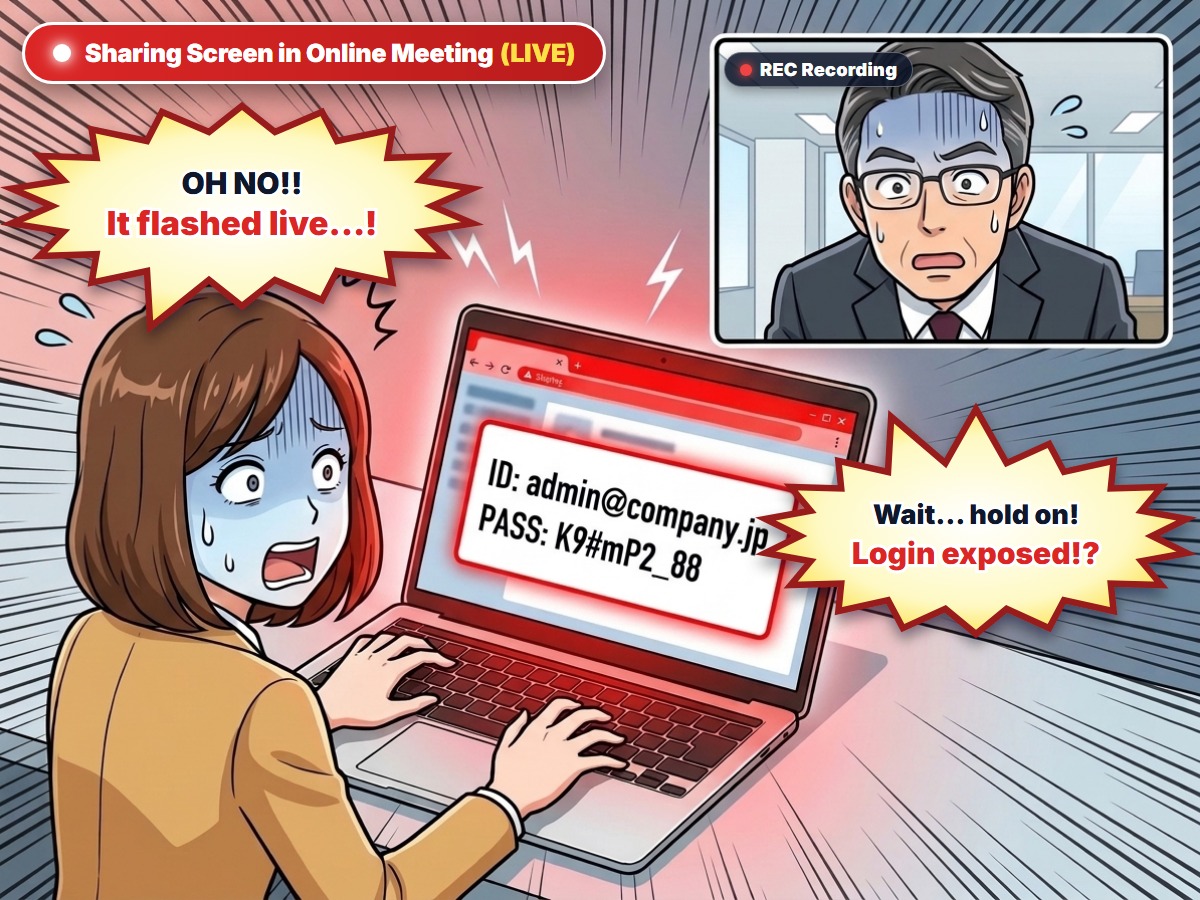
Presenter and executive shocked as login ID and password flash during a recorded online meeting screen share

⚠️ Danger: One Careless Screen Share Can Trigger a Serious Data Leak.

“It only flashed for a second” or “It’s just one call” — that assumption puts you at risk.

Critical Data Breach Risk

Why a Split-Second Screen Slip Becomes an Irreversible Leak

Shocked presenter realizing logins and client names stay saved inside prospect company recordings
🔴 Saved in HD inside their company’s cloud…
🚨 #1 Danger: Uncontrolled Spread Inside Their Company

Recorded Inside Their Company — With Zero Control Over Who Sees It.

AI meeting recorders capture every frame in HD. Even if you close the tab fast, exposed client names, revenue, and login IDs stay saved in their cloud.

Once that recording spreads across their team Slack or shared links, you can never erase it.

Plus, Eliminate Two Everyday Screen-Share Headaches at the Same Time

Clicking a link with a mouse and losing free blur protection on the next page
💥 Free Blur Tools Break

Blur Drops When You Click Links

Basic free blur extensions reset the instant you open a detail page — exposing private records live.

Exhausted presenter working late prepping dummy data and blurring videos
⏳ 2–3 Hours Lost Per Demo

Dummy Staging & Video Edits Drain Hours

Skip spending 2–3 hours building fake demo accounts or blurring Loom videos frame by frame.

1-Click Solution

SampleSwitch Covers Your Live Screen in One Click.

No suspicious black bars — private fields turn into clean, natural sample text.

🚨 Raw Screen Share
ID: admin@northstar.io
Northstar Inc. / $148,500

Logins, client names & revenue flash onscreen — captured on call recordings.

✕ Free Blur Tools
ID: admin@northstar.io
Northstar Inc. / $148,500

Ugly black bars look suspicious — and vanish the moment you open another page.

👑 SampleSwitch
ID: demo@example.com
Sample Corp. / $***,***

Switches right away to clean “Sample Corp.” text (masks inputs too) — continues across pages.

Interactive Live Demo

Test It Yourself Right Here — Click to Switch Live.

Press the blue demo button below to watch exposed client names, revenue, and IDs turn into clean sample text.

Prospect watching live screen share Try It Right Here · LIVE DEMO
0 / 9 masked (Exposed!)
🚨 Real client names & $148,500 are exposed on your call!
Mode:
📂 Client List
Pipeline Total
$148,500
Top Account
Northstar Inc.
Admin Login ID
admin@northstar.example
Account Contact Value
Northstar Inc. Alex Rivera $42,800
Silverline LLC Sarah Chen $19,400
🔒 Moved to Another Page — Protection Continued!
Northstar Inc. (Enterprise)
Decision Maker
VP Alex Rivera
Mobile Direct
(415) 555-0192
Admin Login ID
admin@northstar.example
Annual Contract
$148,500
💡 Click any red item directly to mask one by one (1/9, 2/9…)!
How It Works

30 Seconds. That’s It.

Step 1 Add to Chrome
STEP 01

Add to Chrome ($0)

No account or card needed. Test 5 times free right away.
Step 2 Flip Switch ON
STEP 02

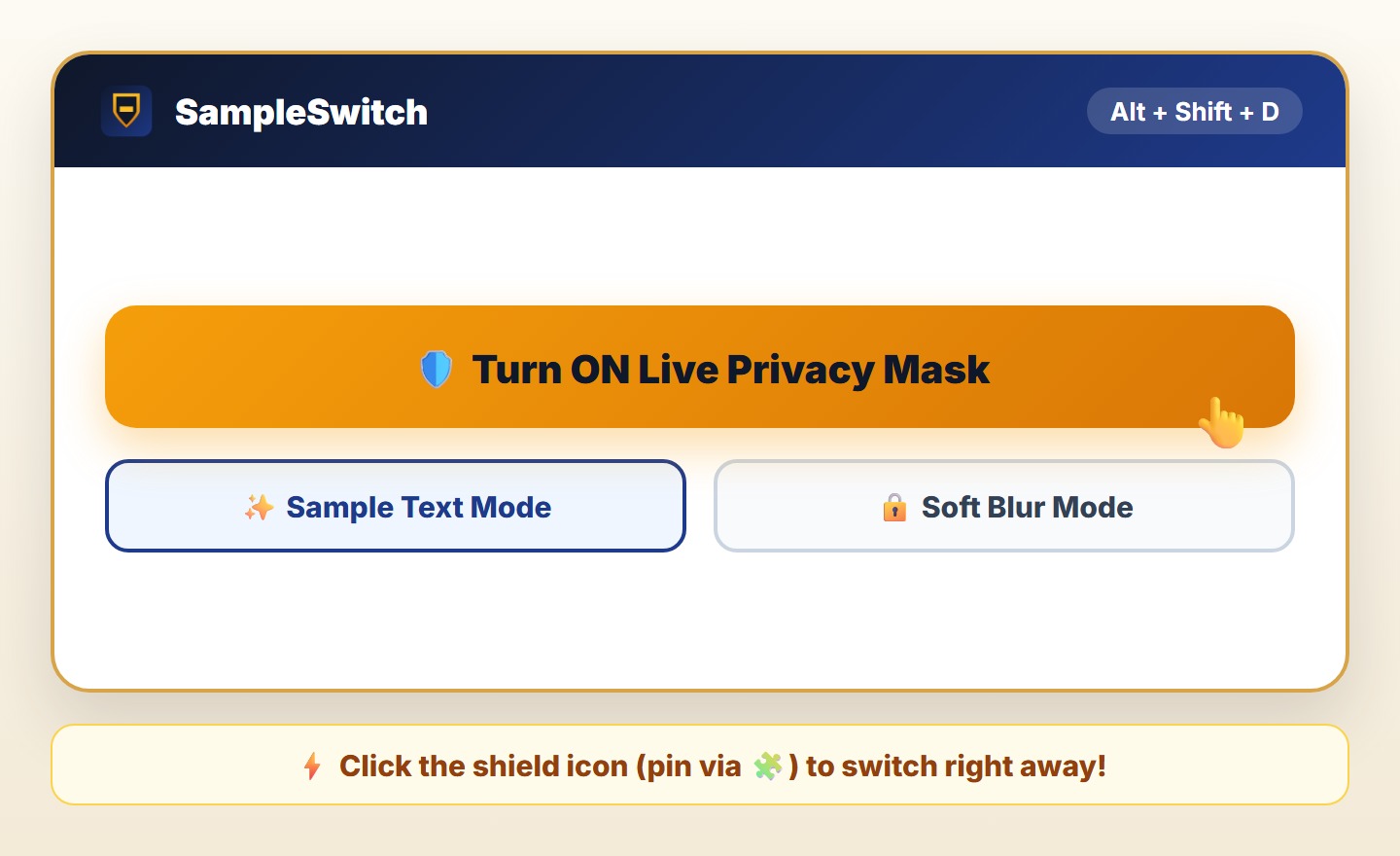
Flip Switch ON

Click the shield icon (pin via 🧩 in Chrome). Choose Sample Text or Soft Blur.
Step 3 Share Chrome Tab
STEP 03

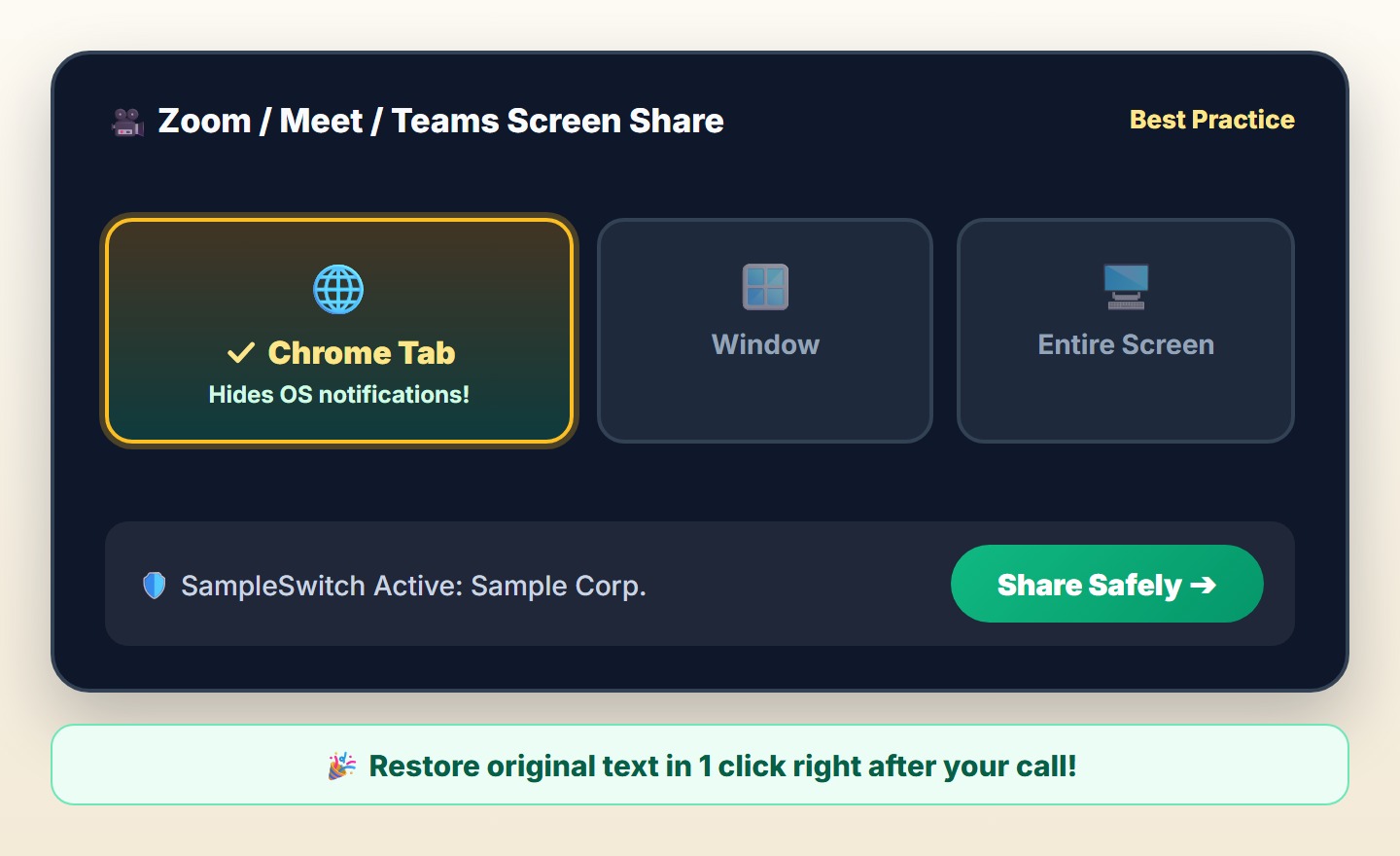
Share Chrome Tab

Present calmly on Zoom, Meet, or Loom. Restore in one click after your call.

Market Comparison

See How SampleSwitch Compares.

Cheaper than prepping dummy data once (2–3 hours) — and free to test 5 times first.

Unprotected / Free Blur Tools
$0
Manual element blur only
  • ✕Raw leaks or suspicious black bars
  • ✕Protection drops when opening another page
  • △Must re-select items manually every call
  • ✕No automatic “Sample Corp.” text swap
Other Paid Masking Extensions
$49–$67+
or Ongoing Monthly / Yearly Subscriptions
  • △Mostly blur bars without clean sample text
  • △Recurring subscription fees add up fast
  • △Complex setup for live sales demos
  • ✕High upfront price for solo presenters
👑 Best Value for Live Demos
SampleSwitch
$24 One-Time
$0 monthly fees · Up to 2 PCs included
  • ◎Auto-swaps into clean “Sample Corp.” text
  • ◎Continues across page clicks (Paid plans)
  • ◎Masks logins, emails, phones, inputs & charts
  • ◎Half the cost of $49–$67 tools + 5x Free Trial
Q & A

Quick Questions Before You Try

Sales Rep

Does it work with our web dashboard, Zoom, Meet, Teams, and screen recordings?

Yes — it works right away with your daily tools!

Any web app open in Chrome or Edge works seamlessly on Zoom, Meet, Teams, Loom, or OBS, including custom client names and 1-click image or chart blur.

SampleSwitch Support
Support
IT / Ops

Are our client records or passwords ever sent outside our computer?

Rest assured — screen text and client data are never sent outside!

Masking runs locally inside your browser, and your underlying CRM records are never altered.

SampleSwitch Support
Support
Customer

What happens if I replace or upgrade my computer later?

No repurchase needed — transfer to your new PC anytime!

Release your old computer in one click inside the extension and activate your new PC with the same License Key.

SampleSwitch Support
Support
Start With Free Trial

Start With 5 Free Uses

No credit card required. Test 5 times on your own dashboard, and upgrade to a one-time plan only if you love it.

🎯 Start Here First
Free Trial
Test directly on your own live dashboard
$0
No credit card · No surprise auto-charge
  • ✓Try Sample Text, Blur & Manual Blur 5 times free in total (per user & device · Cross-page lock on paid plans)
  • ✓Custom client & contact keyword rules
  • ✓USD, GBP, EUR & JPY auto-detection
After Free Trial · Recommended for Solo
Personal Plan
Use on up to 2 PCs (Desktop + Laptop)
$24 USD
One-time payment, no monthly fees
  • ✓Up to 2 computers (Instant Stripe receipt)
  • ✓Unlimited Sample Switch & Memory Blur
  • ✓Unlocks Cross-Page Live Lock
  • ✓Hide corner status badge option
For Sales Teams & Agencies
Business Plan
Share across your team (up to 5 PCs)
$49 USD
One-time payment, no monthly fees
  • ✓Up to 5 computers (~$9.80 / PC)
  • ✓All Personal Plan features unlimited
  • ✓Export & share client keyword lists
  • ✓Instant Stripe receipt email
Mayumi Igarashi — Creator of SampleSwitch
Mayumi Igarashi
Founder, MAYU AI Works
DEVELOPER

Built So You Can Show Real Workflows With Ease.

Built as a one-time tool with $0 monthly fees. SampleSwitch processes masking locally inside your browser, swapping onscreen display only while blocking accidental form saves.

✓ Creator of 11+ Business Tools ✓ Direct Founder Support
✉️ Questions or Team Inquiries ➔
• Text rendered inside images, PDFs, or web spreadsheets can be blurred with the “👆 Click to Blur” tool.
• Share a single Chrome Tab (not Entire Screen) in Zoom / Meet / Teams to prevent desktop notification leaks.
• Free Trial includes 5 uses in total per user and per device (anonymous device ID, trial count & key verified for licensing · US, Canada, Australia & Japan).